

Buying your first spool of 3D printer filament can seem straightforward. Then the product listings start showing different diameters, weights, materials, colours, spool formats, and printer requirements.
For most beginners, PLA is a practical starting material. It is widely used for models, display pieces, organizers, prototypes, accessories, and small household projects. However, PLA is not automatically compatible with every 3D printer. Check the printer manual and manufacturer requirements before ordering.
This guide covers the main details to verify when buying PLA filament in Canada, including diameter, spool weight, printer compatibility, material choices, storage, and product listing information.
PLA Filament: Basic Definition
PLA means polylactic acid. It is a thermoplastic filament commonly used in FDM and FFF 3D printers.
A printer heats the filament, feeds it through a nozzle, and deposits it layer by layer to form an object. PLA is available in standard colours and specialty finishes, including matte, silk, translucent, metallic, wood-filled, and glow-style formulations.
Different PLA products can have different printing requirements. Do not assume that settings for one spool will apply to another. Use the temperature range and instructions supplied by the filament manufacturer.
Check Printer Compatibility First
Confirm the following specifications before choosing a product:
Filament diameter
The most common diameter for consumer 3D printers is 1.75 mm. Some printers use 2.85 mm or another specification.
The filament diameter must match the printer’s feed system, extruder, and slicer settings. A spool labelled 1.75 mm is not suitable for a printer designed for 2.85 mm filament unless the manufacturer specifically states otherwise.
Check:
- Printer manual
- Manufacturer product page
- Extruder specifications
- Existing filament label
- Slicer profile
Do not rely on the appearance of the spool or the name of the printer alone.
Material support
Verify that the printer supports PLA. Also check whether the printer requires a heated bed, enclosed chamber, proprietary spool, or specific software profile.
Some printers have open material support. Others are designed around particular spool dimensions, RFID systems, or manufacturer-approved materials.
Compatibility depends on the complete printer setup, not just the filament diameter.
Temperature range
Check the filament listing or packaging for recommended nozzle and bed temperatures. Compare those figures with the maximum temperatures listed by the printer manufacturer.
The correct settings can vary according to:
- PLA formulation
- Nozzle size
- Print speed
- Layer height
- Build surface
- Cooling settings
- Printer design
Start with the manufacturer’s recommended settings. Adjust only after confirming that the printer and filament are suitable for one another.
Why Filament Diameter Matters
Filament diameter controls how much material enters the hot end during printing. A mismatch can interfere with feeding and extrusion.
Product listings should identify the diameter clearly. Look for a specification such as:
- Diameter: 1.75 mm
- Diameter: 2.85 mm
- Diameter tolerance: manufacturer-stated measurement
Diameter tolerance refers to how much the actual filament width can vary from the listed size. A consistent diameter helps the printer feed a predictable amount of material.
Not every listing publishes a tolerance. If tolerance is important to the project, look for a product page or manufacturer document that provides the information. Do not assume that two products with the same stated diameter have identical specifications.
Spool Weight: 0.75 kg Is Not 1 kg
Spool weight refers to the amount of filament, not the combined weight of filament and spool.
Common sizes include:
- 250 g
- 500 g
- 750 g
- 1 kg
- Larger production spools
A 0.75 kg spool contains less filament than a 1 kg spool. Compare the price per kilogram when reviewing different listings.
Use this calculation:
Price per kilogram = product price ÷ filament weight in kilograms
For example, a $40.76 spool weighing 0.75 kg has a material cost of approximately $54.35 per kilogram before shipping, taxes, or other charges.
A smaller spool can be useful when testing a colour or material. A larger spool may be more suitable for repeated projects. Confirm the weight before comparing the prices of apparently similar products.
Verified PLA Listings from Raging Canucks
The following listings are separate products or variants. They share similar naming and specifications, but they are not one interchangeable listing. Compare the exact product title, URL, price, and manufacturer information before ordering.
Prices below were checked at the time of writing and may change.
3D PLA Filament Spool, 1.75mm Diameter, 0.75kg
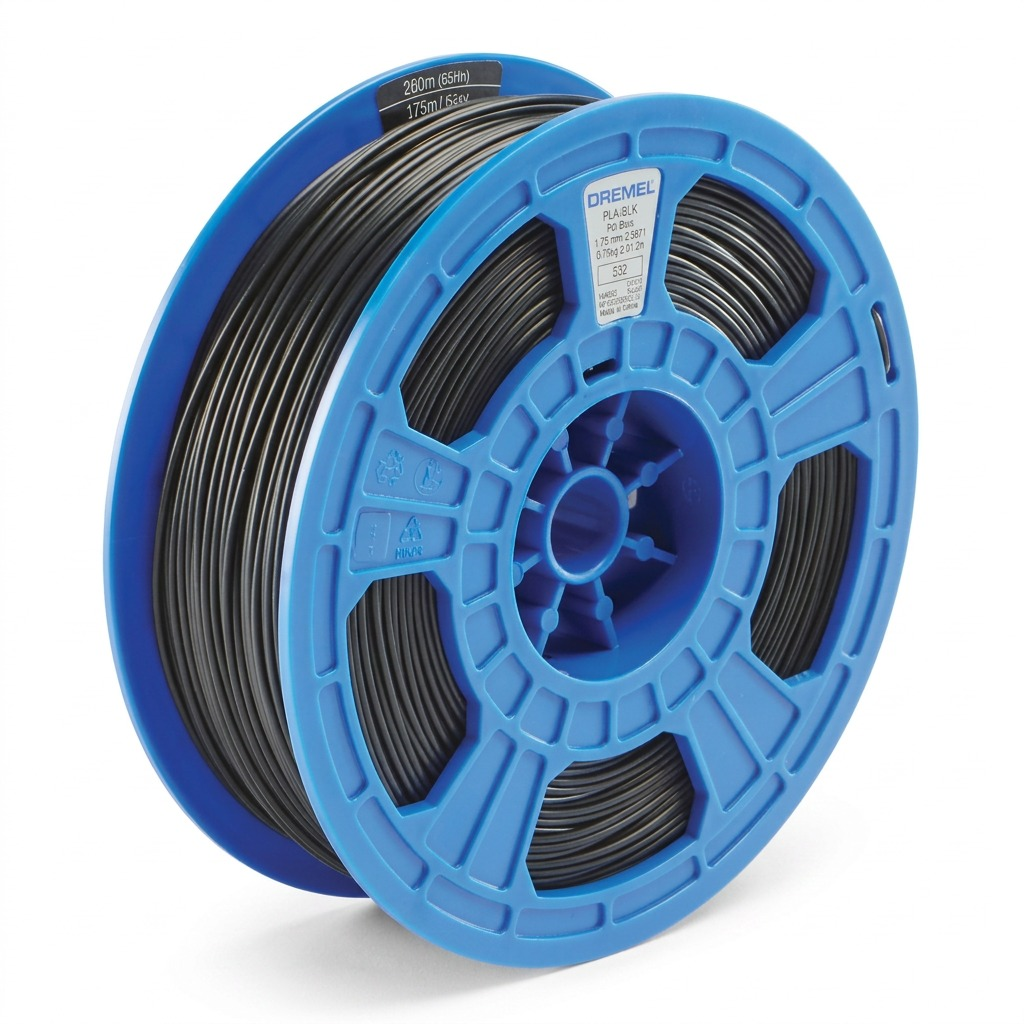
- Diameter: 1.75 mm
- Filament weight: 0.75 kg
- Price: $42.52
- Product page: View exact listing
Use the product page to confirm the current price and any available listing information before checkout.
3D PLA Filament Spool, 1.75mm Diameter, 0.75kg, Alternate Listing
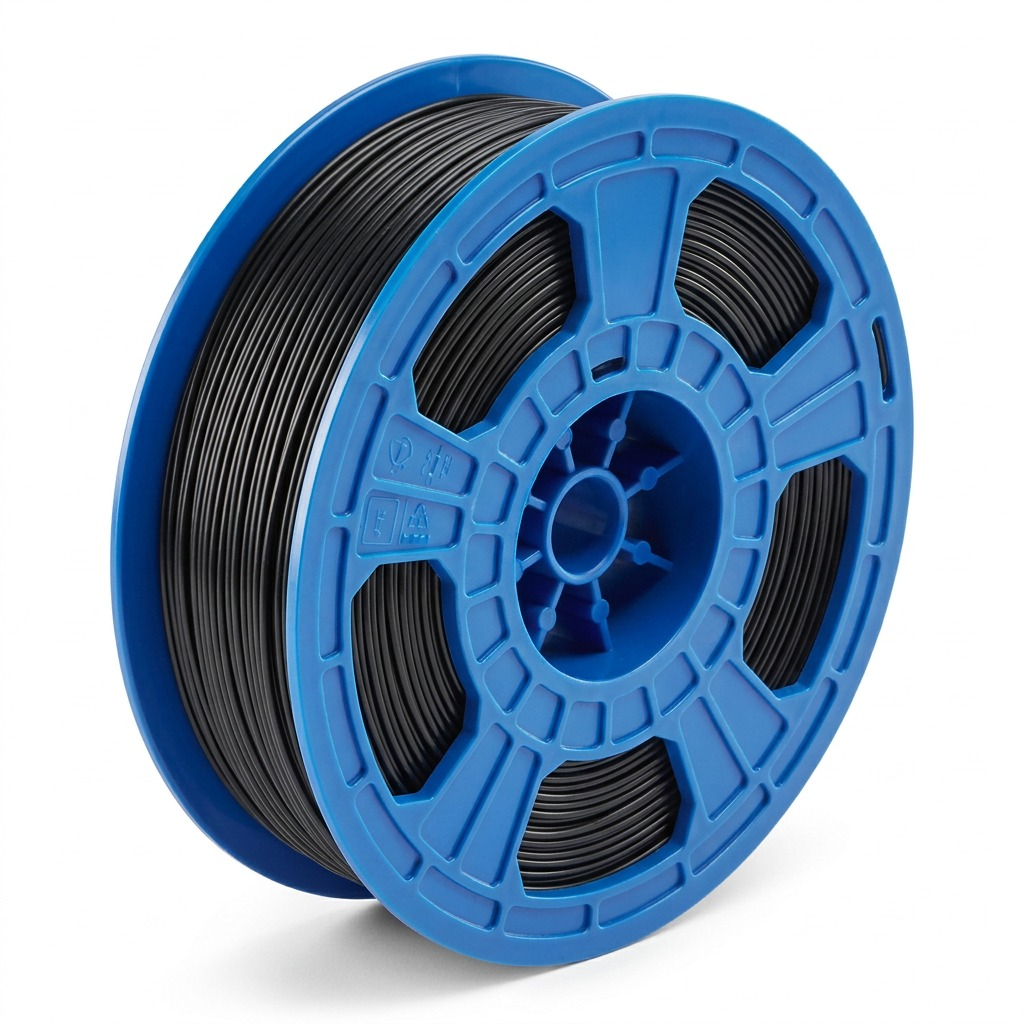
- Diameter: 1.75 mm
- Filament weight: 0.75 kg
- Price: $40.76
- Product page: View exact alternate listing
This is a separate listing from the $42.52 product above. Review the exact page before adding the item to a cart.
3D PLA Filament Spool, 1.75mm Diameter, 0.75kg, Replaces PLA-SIL-01
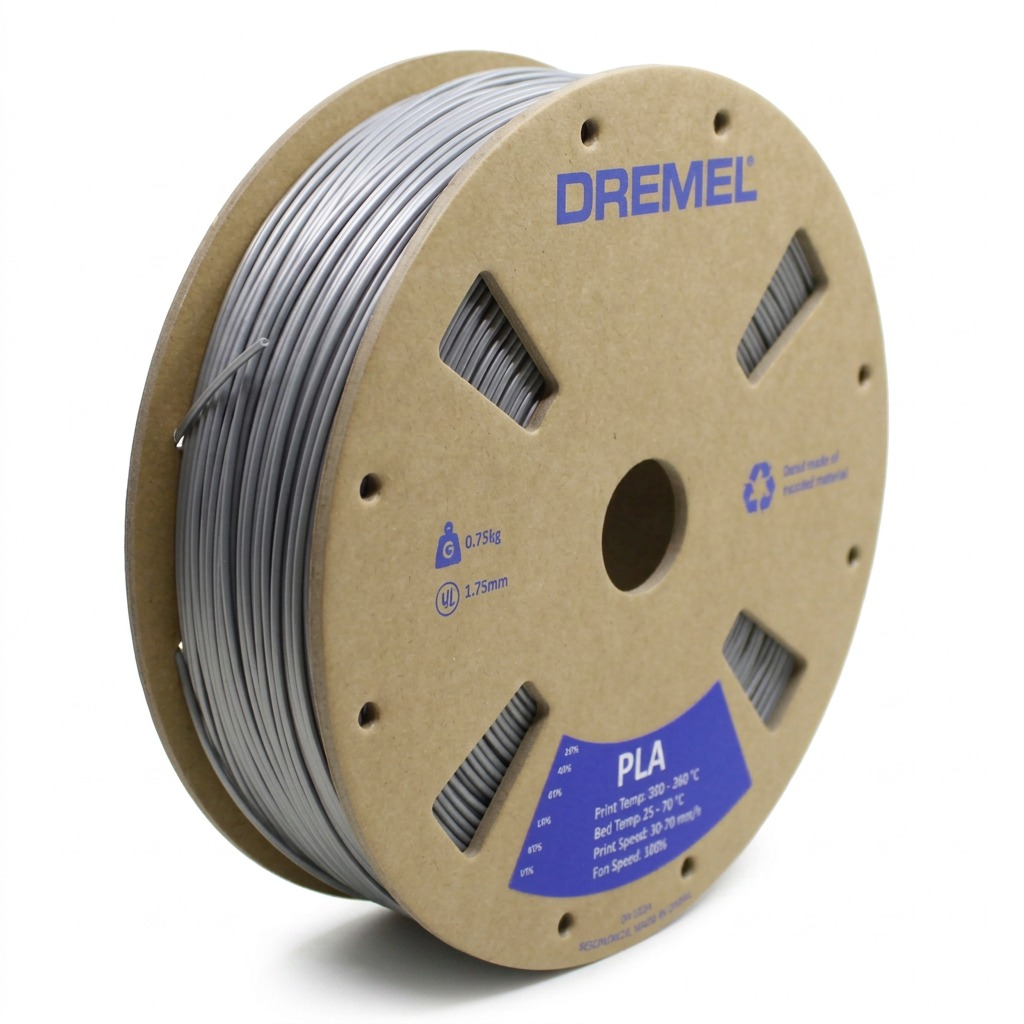
- Diameter: 1.75 mm
- Filament weight: 0.75 kg
- Listing reference: Replaces PLA-SIL-01
- Price: $40.76
- Product page: View exact replacement listing
The replacement reference is part of this listing’s title. Confirm that the reference matches the requirement for the printer or project before ordering. Do not treat the title as a universal compatibility statement.
If You Do Not Yet Own a Printer
Some buyers start by researching filament before choosing a machine. In that case, use the printer listing as the primary source and confirm full system requirements before ordering filament, accessories, or replacement materials.
Verified printer listing from Raging Canucks
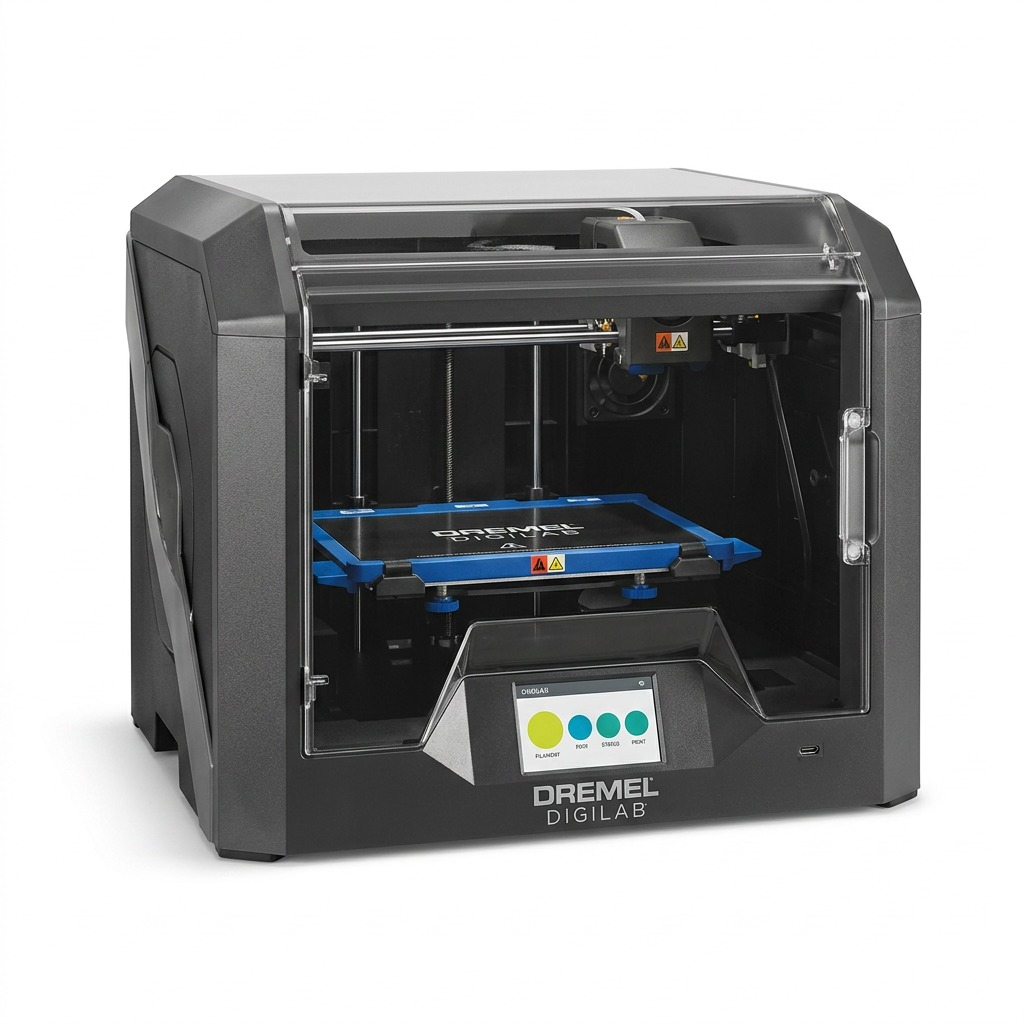
- Product: Dremel DigiLab 3D45 3D Printer
- Price: $2,945.41
- Product page: View exact listing
Review the complete product listing before ordering. Confirm printer, filament, software, and material compatibility directly from the listing and the manufacturer documentation. Do not assume that every 1.75 mm PLA spool works with every printer, even when the diameter appears to match.
Colour and Material Choices
Standard PLA is usually the simplest option for a first spool. It allows beginners to focus on printer setup, bed adhesion, slicer settings, and basic troubleshooting without introducing additional material characteristics.
Specialty options may include:
- Matte PLA
- Silk PLA
- Metallic or reflective PLA
- Translucent PLA
- Wood-filled PLA
- Glow-style PLA
- PLA blends
These products may have different nozzle requirements, recommended temperatures, abrasive properties, or cooling instructions. Check the specific product documentation.
Colour affects the finished appearance, but it can also affect how surface details appear under light. For functional test pieces, a standard colour can make layer lines and surface issues easier to inspect. For display models, organizers, cosplay accessories, and decorative projects, colour selection may be the primary consideration.
Do not assume that a colour name indicates an identical formulation across brands or listings.
Spool Format and Physical Fit
Check whether the spool physically fits the printer’s holder or feeder system.
Review:
- Outer spool diameter
- Spool width
- Centre-hole diameter
- Spool material
- Maximum spool weight
- Enclosure clearance
- Proprietary cartridge requirements
Some printers accept standard open spools. Others use enclosed bays or manufacturer-specific systems. A filament can have the correct diameter and material while still requiring a spool format that does not fit the machine.
If using a refill coil, verify that the printer supports it and that a compatible reusable spool is available. Beginners may find a complete spool easier to identify and install, but the printer’s own requirements take priority.
PLA Storage in Canada
PLA absorbs moisture from the surrounding air. Moisture exposure can affect extrusion and surface quality. Common signs of damp filament include:
- Popping or crackling during printing
- Stringing
- Rough surfaces
- Inconsistent extrusion
- Brittle filament
- Visible bubbles
Store unused PLA in an airtight bag or container with desiccant. Keep the spool away from direct sunlight, heat sources, dust, and water.
Canadian conditions vary by region and season. Indoor heating can create dry conditions in winter, while summer humidity can increase moisture exposure. Storage habits should account for the environment where the filament is kept.
If a spool shows signs of moisture, use a filament dryer or another controlled drying method that follows the filament manufacturer’s instructions. Avoid uncontrolled heat that could deform the filament or spool.
What to Look for in a Product Listing
Before ordering, confirm that the listing states the following:
- Material: PLA
- Filament diameter
- Filament weight
- Spool format
- Colour or finish
- Manufacturer or brand
- Recommended nozzle temperature
- Recommended bed temperature
- Diameter tolerance, if provided
- Printer compatibility information
- Current price
- Shipping and return information
Read the complete listing rather than relying only on the product title. Product pages can contain similar names, alternate listings, replacement references, and different prices.
Save the product page or packaging information after purchase. This makes it easier to repeat settings for future prints.
Beginner Purchase Checklist
Use this checklist before buying PLA filament in Canada:
- Confirm the printer’s required filament diameter.
- Confirm that the printer supports PLA.
- Compare the filament’s temperature requirements with the printer manual.
- Check the net filament weight.
- Calculate price per kilogram.
- Confirm the spool dimensions and holder requirements.
- Review colour and material type.
- Check storage and drying requirements.
- Compare the exact product listing, not only the product title.
- Confirm the current price before checkout.
For general reference, review Best Buy Canada’s 3D printer filament guide and 3D Printing Canada’s PLA beginner guide. Always give priority to the printer and filament manufacturer’s documentation.
More Products from Raging Canucks
3D printing supplies are part of the broader Raging Canucks product selection, which includes tech gifts, Canadian gifts, collectibles, and unusual finds.
Browse related categories and products:
- One Piece cards
- Royce Gracie UFC autograph collectible
- UFC collectibles
- Canadian-themed products and gifts
- Geek finds and display items
Use the all-products page to filter the current selection by category, availability, and price. Product inventory and pricing can change.
For a first 3D printing purchase, start with the printer manual, confirm the diameter, check the spool weight, and compare the exact listing details. These steps reduce avoidable compatibility and ordering errors.